
 English
  Español
  Deutsch
  Français
  Português
  Italiano
  Nederlands
  Polski
  Svenska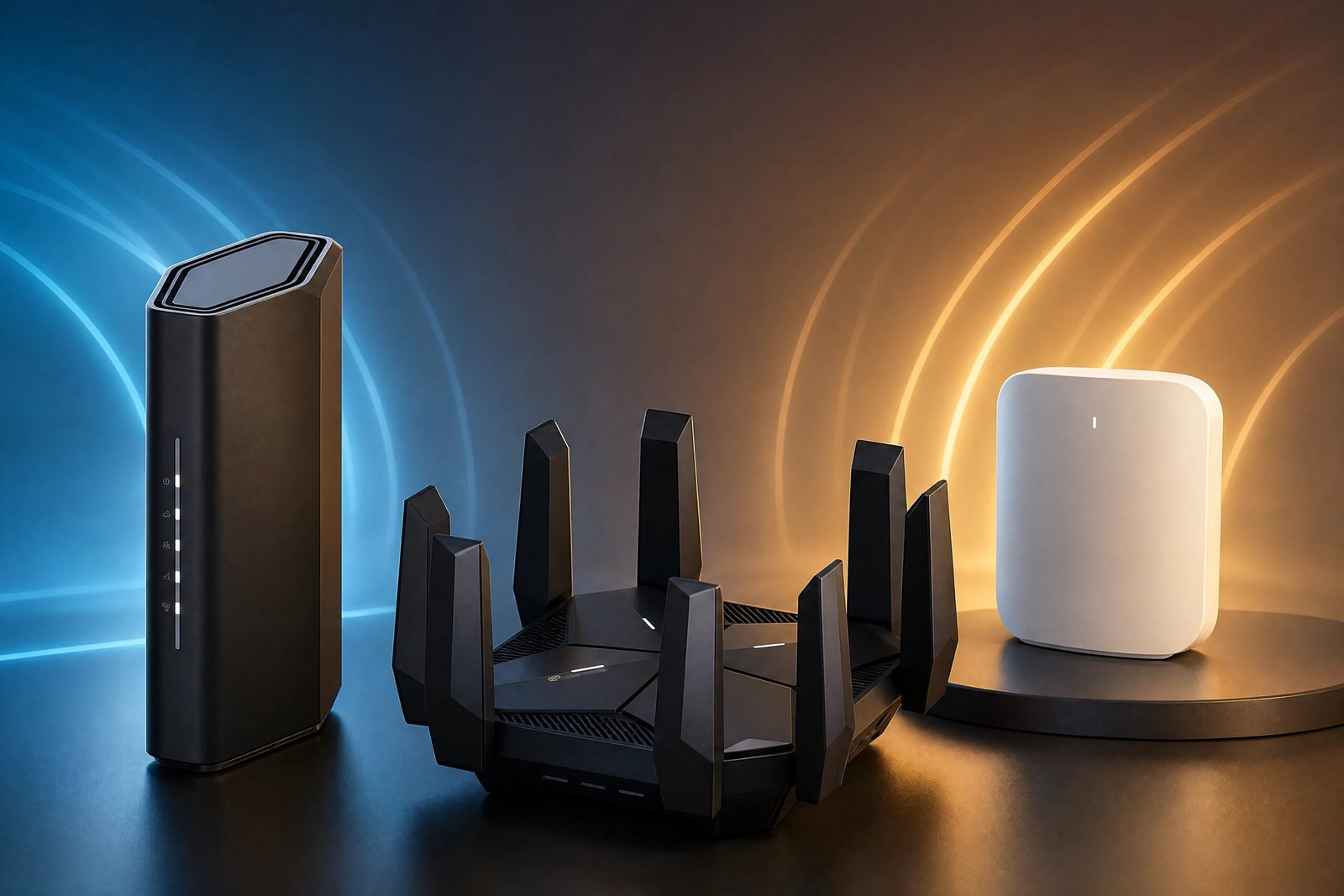
Two wireless standards sit side by side on the shelf right now, often at the same price. WiFi 6E adds a third radio band at 6 GHz to the familiar 2.4 and 5 GHz pair. WiFi 7 rewrites how a device talks to the router in the first place. Neither is simply newer-and-therefore-better, and the right answer depends far more on your building and your existing devices than on the number on the box.
These are the eight routers we would put in front of most people — four of each standard, drawn from the models the tech press has consistently rated well over the past two years. Each is here because it is the best answer to a particular situation, and we have said which situation that is. The four WiFi 6E models come first, then the four WiFi 7 ones.
WiFi 6E routers
WiFi 6E is WiFi 6 with one addition: permission to use a third band at 6 GHz, alongside the usual 2.4 and 5 GHz. The protocol is identical. What you are buying is access to spectrum almost nothing else is sitting on.
Choose from this group if your building is crowded with competing networks and the devices that matter are recent and stay near the router.
TP-Link Archer AXE75 — for flats surrounded by other networks
If you open your WiFi settings and see thirty neighbouring networks, your problem is not speed. It is that everyone within radio range is fighting over the same handful of channels, and your 5 GHz band is as congested as your 2.4 GHz one.
This is the exact problem WiFi 6E was designed to solve. The 6 GHz band is new spectrum, so almost nothing legacy sits on it, and it is wide enough for several non-overlapping 160 MHz channels. The AXE75 gives you 2402 Mbps on that clean band, the same again on 5 GHz, and 574 Mbps on 2.4 GHz for everything older in the house.
Two things are worth understanding before you buy. The first is that 6 GHz trades range for cleanliness: the higher the frequency, the worse it passes through walls, and a 6 GHz signal that is superb in the same room can be weaker than 5 GHz one room away. Put this router where the devices that matter actually live. The second is that only WiFi 6E and WiFi 7 devices can see the 6 GHz band at all — your older laptop and your smart plugs will keep using 2.4 and 5 GHz regardless.

TP-Link Archer AXE75 · WiFi 6E
Pros
- Tri-band AXE5400: 2402 Mbps on 6 GHz, 2402 Mbps on 5 GHz and 574 Mbps on 2.4 GHz
- 160 MHz channel width on the 6 GHz band, where there is room to actually use it
- 2.5 Gbps WAN port, so the router will not cap a multi-gigabit line
- OneMesh support, so coverage can be extended later without replacing it
Cons
- Only one 2.5 Gbps port — the four LAN ports are gigabit
- The dual-core CPU limits throughput if you run a VPN on the router itself
NETGEAR Nighthawk RAXE300 — for spreading 6 GHz over a whole floor
The AXE75 is the better value, but it is a compact router with a compact router’s reach. If you want 6 GHz available across a larger floor plan rather than in one room, the design of the radio matters more than the headline speed.
The RAXE300 is an eight-stream, tri-band design with six internal antennas positioned to spread the signal rather than push it in one direction. Streams are the detail most spec sheets bury and most buyers ignore: more streams means the router can hold more simultaneous conversations at full rate, which is what degrades first in a house full of devices. Being genuinely tri-band matters too — the 6 GHz radio is additional capacity, not a slice taken out of the existing bands.
Give it shelf space. Tucking it into a cabinet undoes the antenna arrangement you are paying for.

NETGEAR Nighthawk RAXE300 · WiFi 6E
Pros
- AXE7800 tri-band with 8 streams across three radios
- Six internal antennas arranged for spread rather than a single strong direction
- Rated for roughly 2,500 sq. ft. and a high simultaneous device count
- Dedicated 6 GHz radio, so the extra band adds capacity instead of splitting it
Cons
- Physically large — it needs open shelf space to work as designed
- Several security features sit behind a NETGEAR Armor subscription
TP-Link Deco XE75 Pro — for houses where one router will never be enough
There is a point where no single router solves the problem. Thick walls, a long floor plan or more than one storey will defeat even a strong radio, and the answer stops being a better router and starts being more than one.
A mesh replaces your router with several units that present one network name and hand devices between them as you walk around. The Deco XE75 Pro does this with three AXE5400 units and roughly 7,200 square feet of rated coverage.
The detail that decides whether a mesh is fast or merely convenient is backhaul — how the units talk to each other. Left wireless, they spend part of the 6 GHz band talking among themselves, which is precisely the band you bought the system for. Every unit here has a 2.5 Gbps WAN/LAN port and two gigabit LAN ports, so if you can run Ethernet between them, do: wired backhaul keeps the whole 6 GHz band free for your devices and is the single biggest upgrade a mesh can get.

TP-Link Deco XE75 Pro · WiFi 6E
Pros
- Three AXE5400 units covering up to 7,200 sq. ft. as a single network
- One 2.5 Gbps WAN/LAN port plus two gigabit LAN ports on every unit
- Supports wired Ethernet backhaul, which is what makes mesh genuinely fast
- AI-driven roaming hands devices between units without dropping the connection
Cons
- Three units is more hardware than a flat or a small house needs
- Wireless backhaul consumes part of the 6 GHz band you bought it for
TP-Link Archer AXE300 — for a wired backbone and a very busy house
The AXE300 answers a narrower question: what if the bottleneck is not wireless at all?
It is quad-band, which in practice means two separate 5 GHz radios in addition to 6 GHz and 2.4 GHz. Devices get split across them rather than piling onto one, which matters once you are counting connected devices in the dozens rather than the handful. On the wired side it carries two 10 Gbps ports, a 2.5 Gbps WAN/LAN port and four gigabit LAN ports — a genuine backbone for a NAS, a wired desktop and a switch feeding the rest of the house.
This is the most specialised router here and the hardest to justify casually. If your house is quiet and your devices few, the AXE75 will not feel slower. If you have a 10-gigabit NAS and forty things on the network, nothing else on this list keeps up.

TP-Link Archer AXE300 · WiFi 6E
Pros
- Quad-band AXE16000: two separate 5 GHz radios alongside 6 GHz and 2.4 GHz
- Two 10 Gbps ports, which almost nothing else in this class offers
- 2.5 Gbps WAN/LAN plus four gigabit LAN ports for a wired backbone
- Enough radio capacity to keep a very device-dense house from queueing
Cons
- Expensive, and the quad-band design only pays off in a busy household
- Large chassis with eight antennas — it is not a discreet living-room device
WiFi 7 routers
WiFi 7 is a new protocol rather than an extra band. Its useful addition is Multi-Link Operation: a device can hold links on two bands at once and move traffic across both, instead of picking one and queueing when it gets busy.
Choose from this group if your connection is faster than a gigabit, or if your hardware is new enough that MLO will actually be used. Two of these four also carry a 6 GHz radio, so they give you both.
TP-Link Archer BE230 — for a fast line and devices bought recently
Under every standard before WiFi 7, a device picks one band and stays on it. If that band gets busy, the device waits in the queue. MLO lets a compatible device hold links on two bands at once and move traffic across both. You notice it less as raw speed and more as the disappearance of the latency spikes that happen when someone else starts a large download.
The BE230 pairs that with a wired side to match: two 2.5 Gbps ports rather than the usual one, three gigabit ports, and a 2.0 GHz quad-core processor that does not fall over when you run a VPN on the router itself. There is USB 3.0 for network storage as well, unusual at this price.
It is dual-band, so there is no 6 GHz radio. That is the honest trade: the new protocol and the better wired plumbing, not the extra spectrum.

TP-Link Archer BE230 · WiFi 7
Pros
- BE3600 WiFi 7 with MLO, so a compatible device can use two bands at once
- Two 2.5 Gbps ports plus three gigabit ports — the wired side is not a bottleneck
- 2.0 GHz quad-core CPU, which holds up under VPN and heavy NAT load
- USB 3.0 for network storage, still rare at this price
Cons
- Dual-band, so there is no 6 GHz radio
- MLO only pays off once you own WiFi 7 client devices
NETGEAR Nighthawk RS90 — for people who want it to just work
Not everyone wants to think about channel width. The RS90 is the router we would send to a relative: a sealed enclosure with no external antennas that looks acceptable in a living room, a guided app setup that produces a working network in a few minutes, and sensible defaults that need no adjusting afterwards.
Underneath it is the same BE3600 class of WiFi 7 as the BE230, with a 2.5 Gig internet port, coverage rated to around 2,000 square feet, and headroom for roughly fifty connected devices. You give up the second multi-gig port and a good deal of manual control, and get back a router that asks nothing of you after the first ten minutes.

NETGEAR Nighthawk RS90 · WiFi 7
Pros
- BE3600 WiFi 7 in a sealed, antenna-free enclosure that suits a living room
- 2.5 Gig internet port and coverage rated to about 2,000 sq. ft.
- Guided app setup that gets a working network up in a few minutes
- Handles roughly 50 connected devices without hand-tuning anything
Cons
- Dual-band, so again no 6 GHz radio
- The admin interface exposes fewer manual controls than TP-Link’s
TP-Link Archer BE550 — for the 6 GHz band and MLO together
Everything above forces a choice: 6E gives you the clean 6 GHz band, dual-band WiFi 7 gives you MLO. The BE550 is where that choice stops being necessary.
It is tri-band WiFi 7, which means a full 6 GHz radio and Multi-Link Operation in the same box. A modern laptop can sit on the uncongested 6 GHz band and hold a second link on 5 GHz for when 6 GHz drops off behind a wall — which is exactly the weakness that limits every 6E router on this list.
The wired side is unusually complete for the price: five 2.5 Gbps ports, so every socket is multi-gig rather than just the one feeding your modem. It is also the point where prices roughly double compared with the dual-band WiFi 7 models, which is the honest cost of not compromising.

TP-Link Archer BE550 · WiFi 7
Pros
- Tri-band BE9300: a full 6 GHz radio and WiFi 7’s MLO in one router
- Five 2.5 Gbps ports — every wired socket is multi-gig, not just the WAN
- Six internal antennas in an upright case designed to sit in the open
- EasyMesh support for adding units later without changing ecosystem
Cons
- Roughly twice the price of the dual-band WiFi 7 models
- Needs recent client devices before either headline feature does anything
Amazon eero Pro 7 — for whole-home WiFi 7 without the admin
The eero Pro 7 is the WiFi 7 counterpart to the Deco: tri-band with a 6 GHz radio, rated for internet plans up to 5 Gbps, and designed to be expanded by buying another unit rather than reconfigured.
What separates it is what it hides. There is no web interface full of channel settings; there is an app, and it makes the decisions for you. It also carries Zigbee and Thread radios, so it doubles as the hub a lot of smart-home gear needs, removing a separate box from the shelf.
That simplicity is the whole proposition, and it cuts both ways. If you enjoy tuning a network, the Deco XE75 Pro or the BE550 will give you far more to work with. If you want strong whole-home coverage and never to think about it again, this is the one.

Amazon eero Pro 7 · WiFi 7
Pros
- Tri-band WiFi 7 with 6 GHz, rated for internet plans up to 5 Gbps
- Expands into a mesh by adding units, with no configuration to redo
- Setup and ongoing management happen entirely in the app
- Built-in Zigbee and Thread radios, so it doubles as a smart-home hub
Cons
- Some network features require an eero Plus subscription
- Deliberately few manual controls compared with a TP-Link or ASUS interface
Which one is right for you
The choice comes down to four questions, in this order.
- Is your building crowded, or is your line fast? Congestion is a spectrum problem and points to 6E. A connection above one gigabit is a wired-plumbing problem and points to WiFi 7.
- Will one router reach everywhere it needs to? If not, stop comparing single routers — a mesh with wired backhaul beats a better router in the wrong place, every time.
- How new are your devices? The 6 GHz band needs a WiFi 6E or WiFi 7 client to be visible at all, and MLO needs a WiFi 7 client to do anything. If most of your hardware predates 2022, let coverage drive the decision instead.
- Do you want to manage it, or forget it? The TP-Link and NETGEAR interfaces reward attention; the eero deliberately does not offer any.
Frequently asked questions
What is the difference between WiFi 6, WiFi 6E and WiFi 7?
WiFi 6E is WiFi 6 with access to the additional 6 GHz band; the protocol itself is unchanged. WiFi 7 is a new protocol, whose most useful addition is Multi-Link Operation — the ability for a device to use two bands at the same time rather than choosing one.
Will a new router make my internet faster?
It can raise speeds within your home network and remove congestion, but your connection is still capped by the plan you pay for. On a 300 Mbps line, no router will exceed 300 Mbps.
Do I need new devices to benefit?
For the 6 GHz band and for MLO, yes — both need a compatible client. Everything older still connects normally over 2.4 GHz and 5 GHz, and still benefits from a router with more capacity to go around.
Is WiFi 7 backwards compatible?
Yes. A WiFi 7 router works with every earlier generation, including WiFi 6E devices, which will use its 6 GHz band if the model is tri-band.
Does a tri-band router split its speed across the bands?
No. Each radio operates independently, so a tri-band router adds capacity rather than dividing it. This is why stream count and the number of radios tell you more about real-world behaviour than a single advertised speed figure.
Is a mesh system better than one powerful router?
Only when distance or walls are the problem. In a flat, one good router placed well will beat a mesh. In a long or multi-storey house, no single router wins, and a mesh with wired backhaul is the right answer.